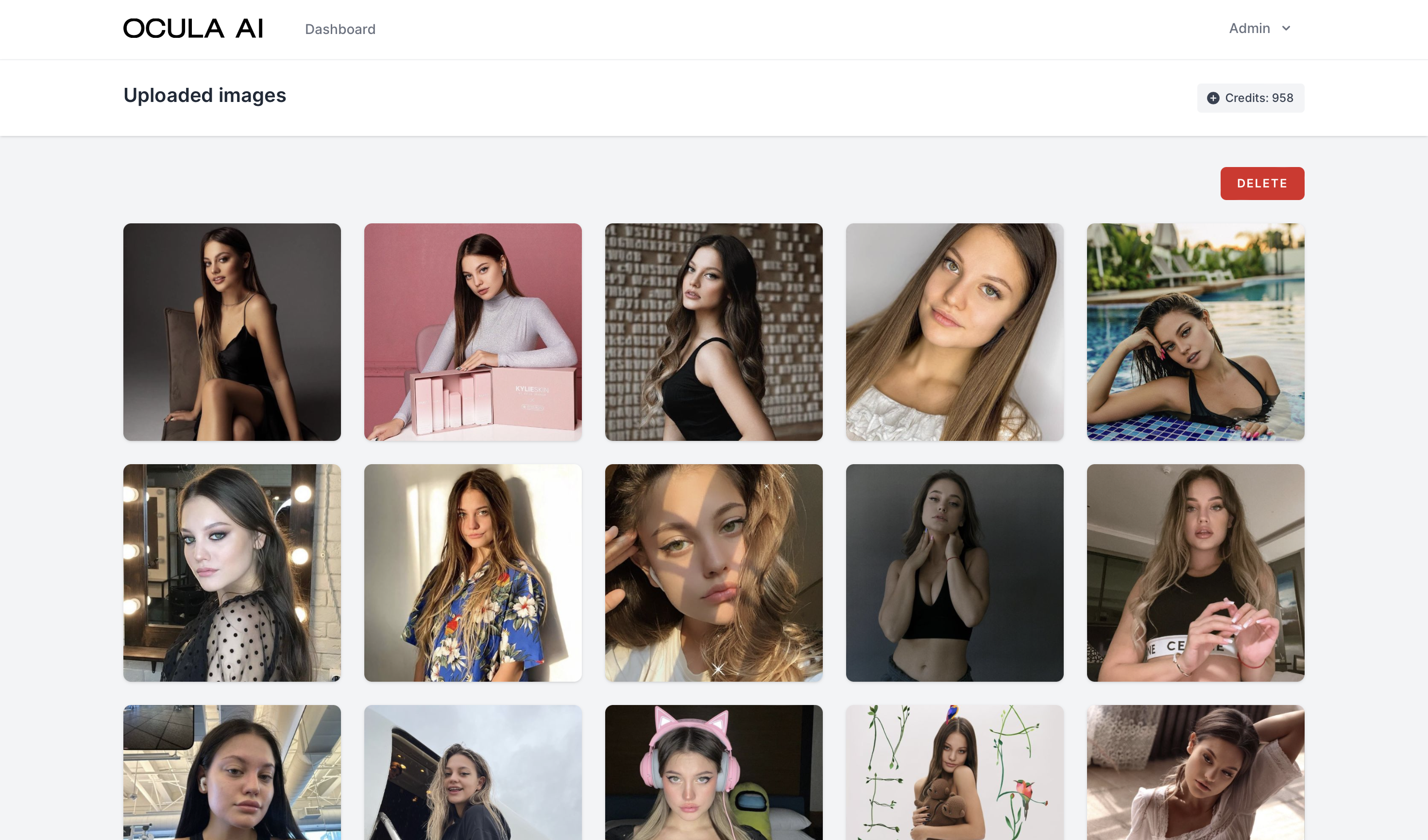
Appearance
User dashboard
How to generate portraits?
The video below shows the process of creating portraits on OCULA AI:
Dashboard features
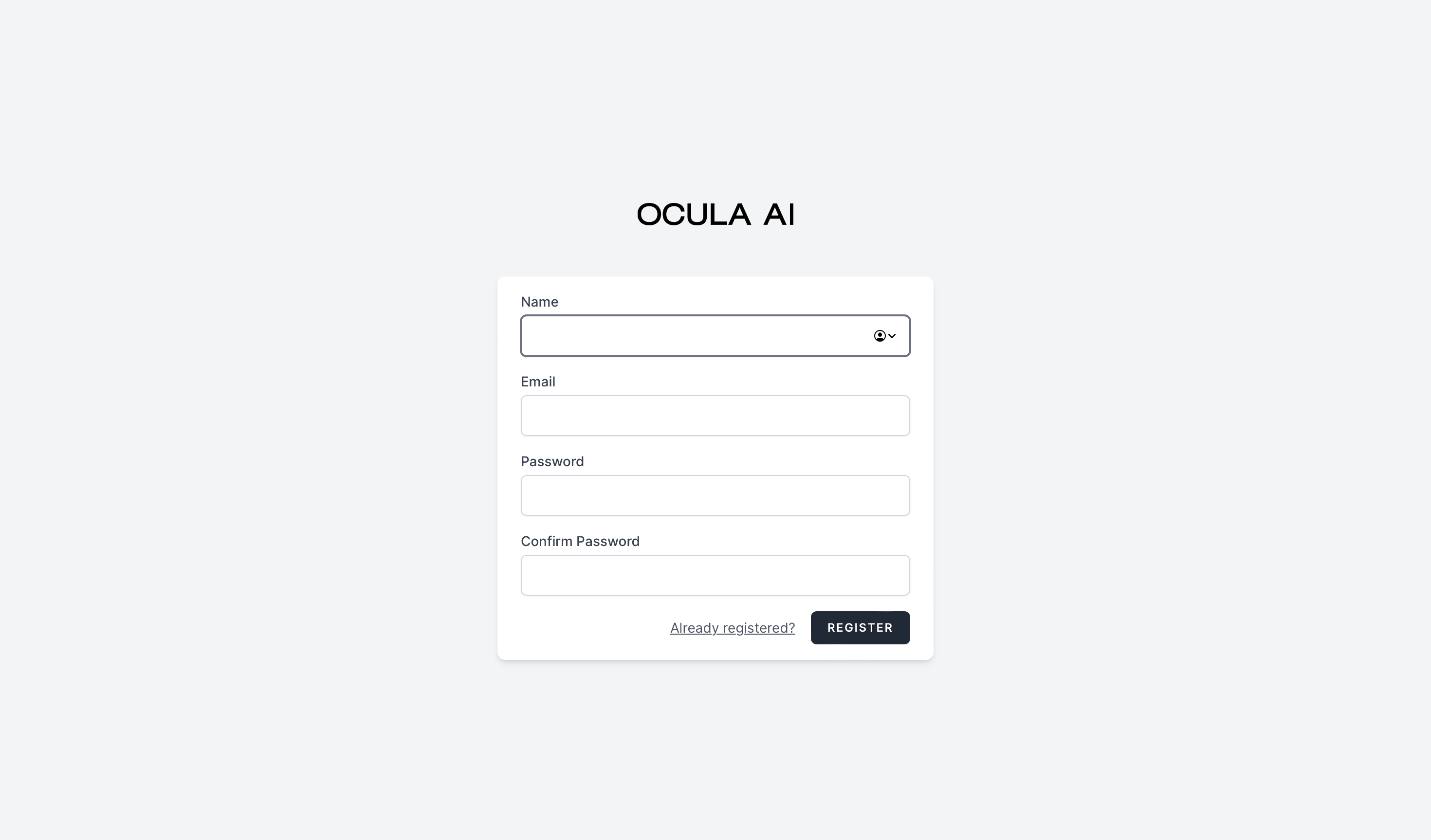
- Sign up
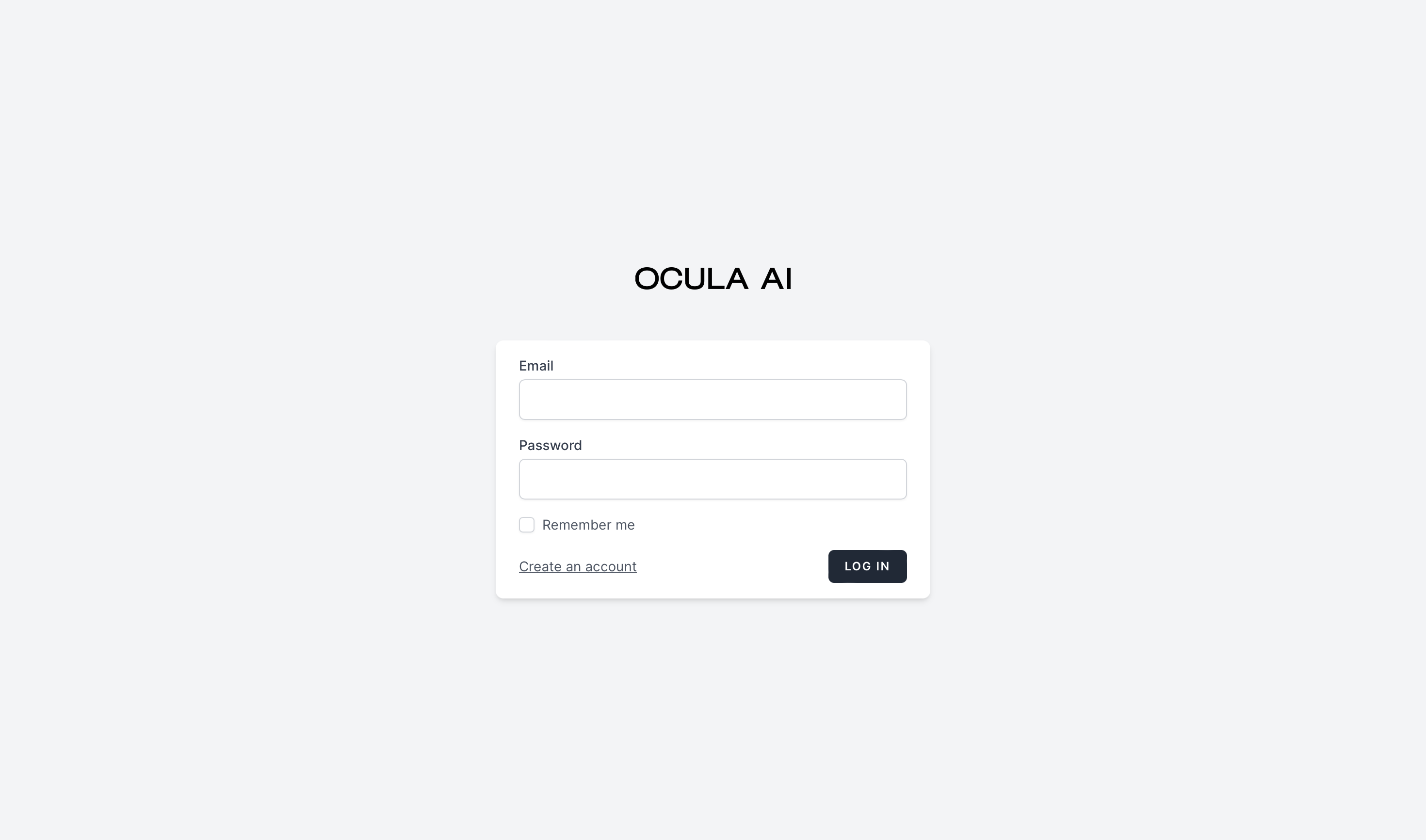
- Login
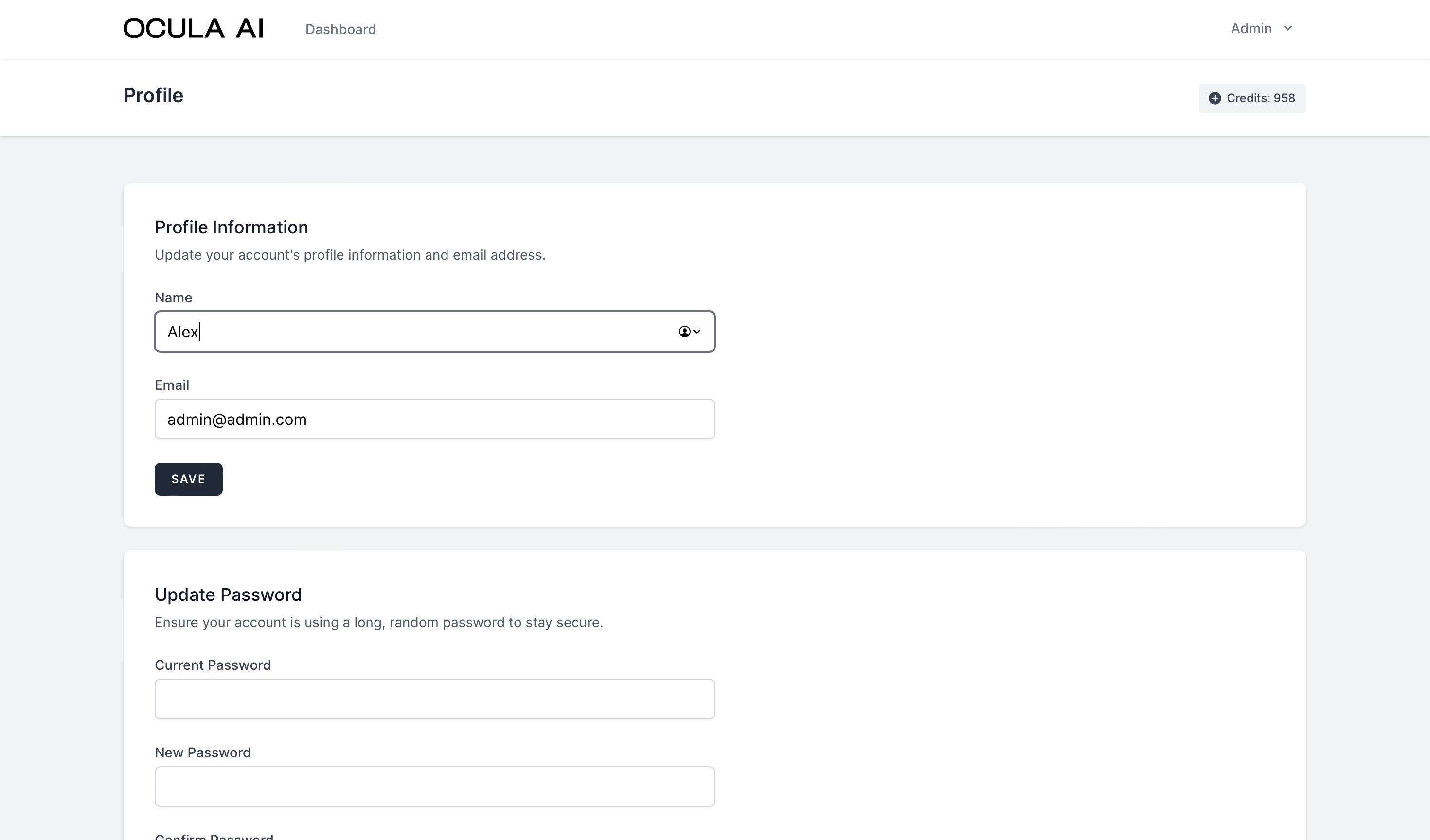
- Profile settings
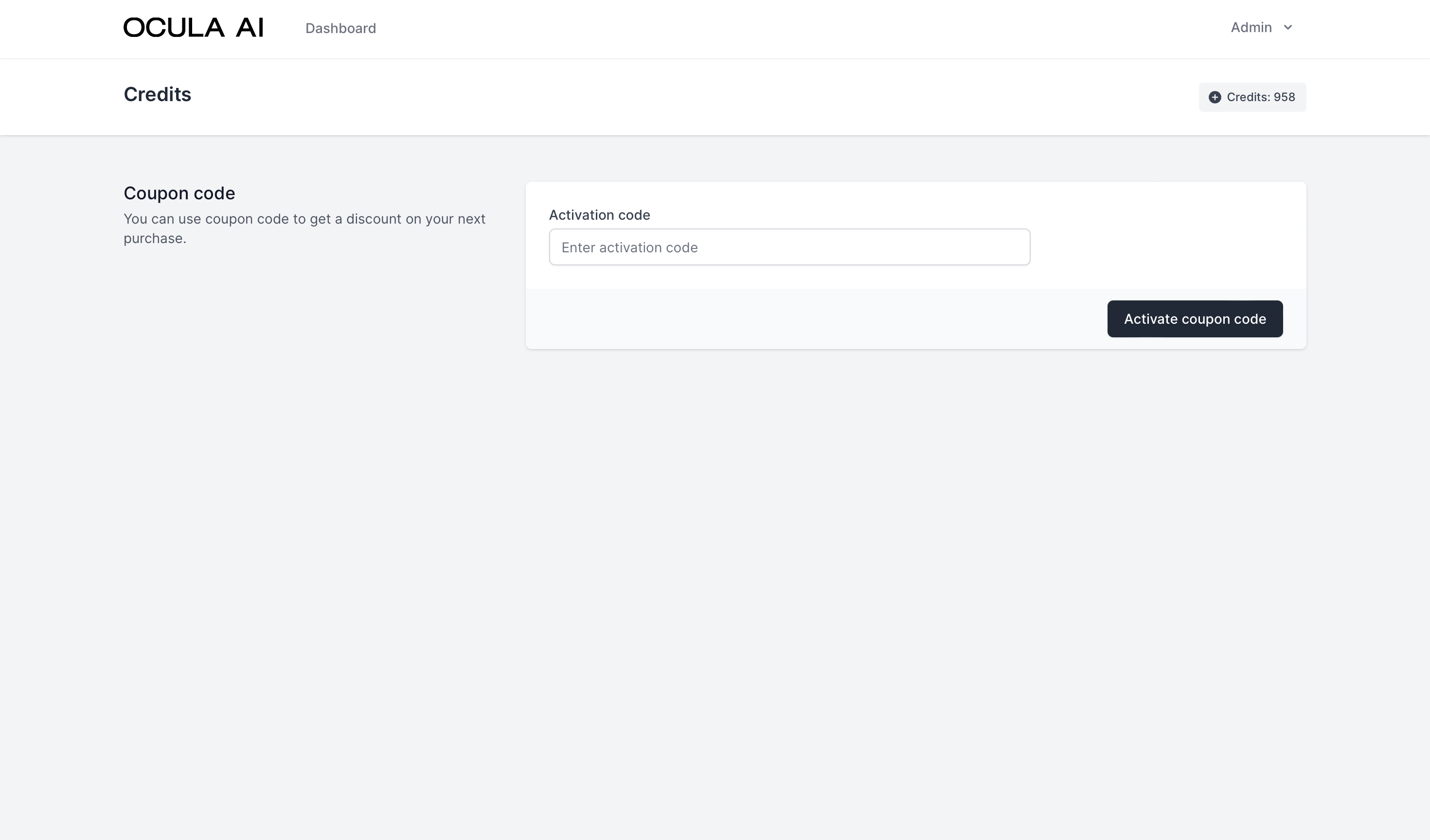
- Promo code activation. Read about how to generate activation codes here
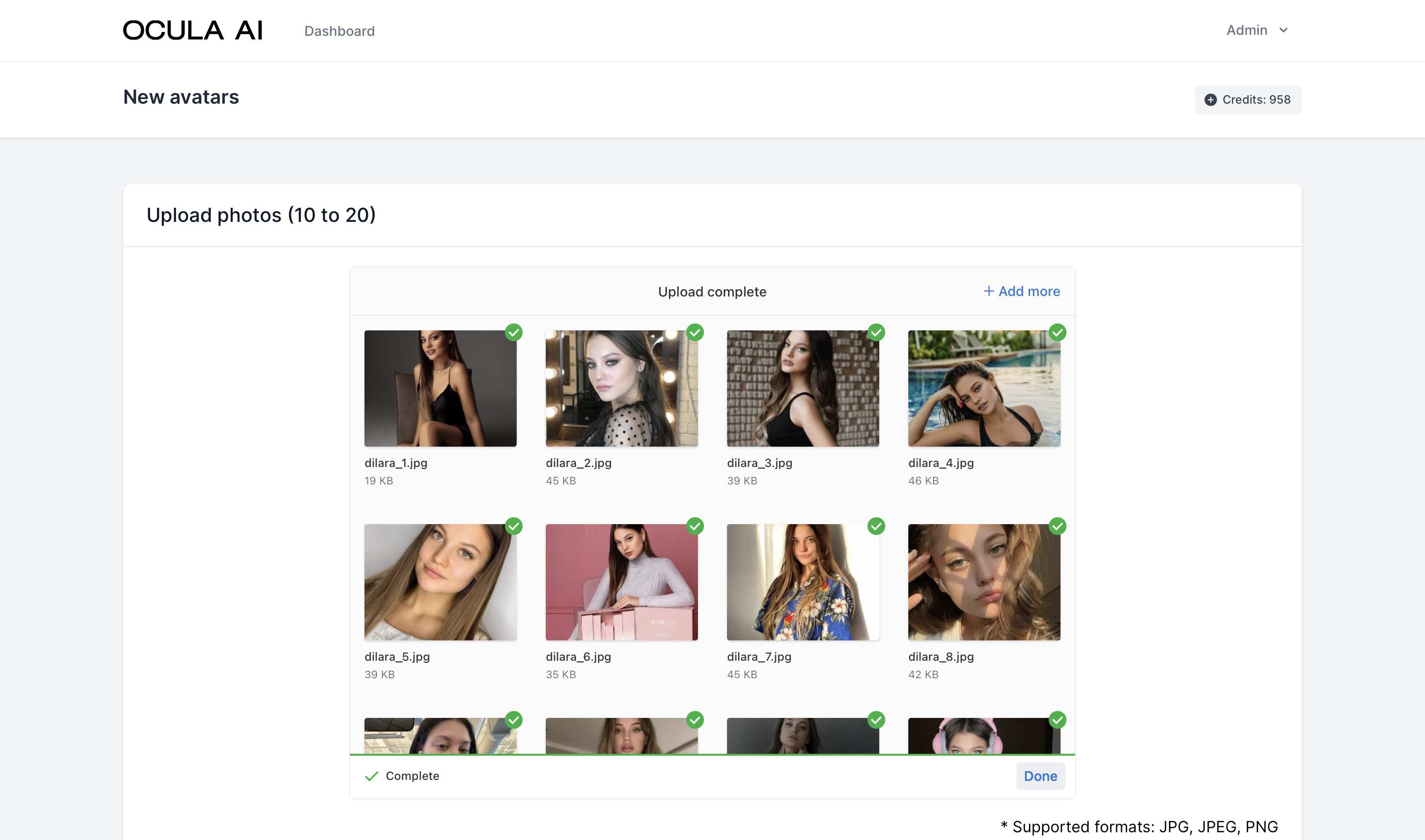
- Upload images. You can set limits for number of images can be uploaded on admin panel's generation settings
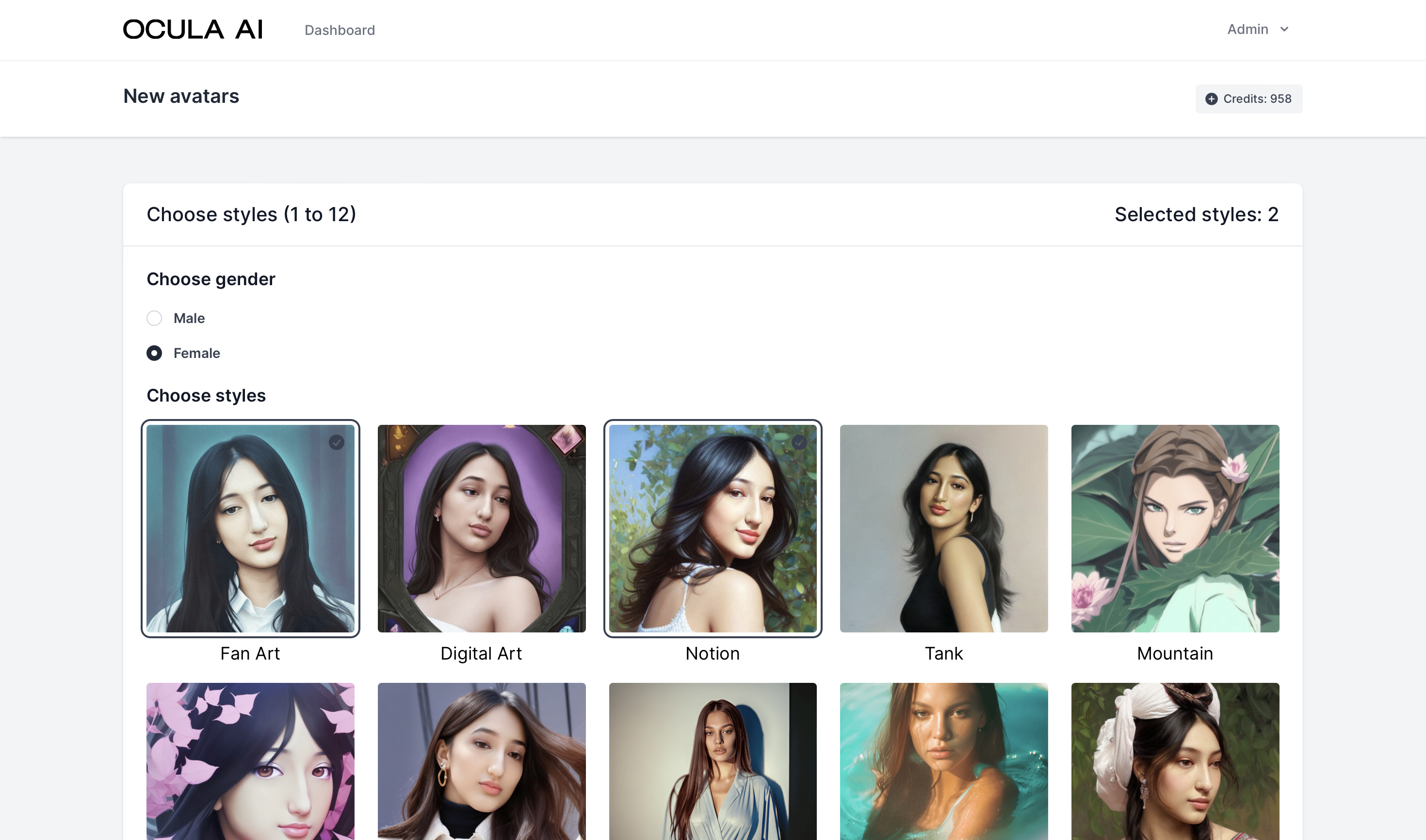
- Select styles from the list.
- Generate unlimited portraits based on uploaded images. Set limits for number of images be generated by style on admin panel's generation settings
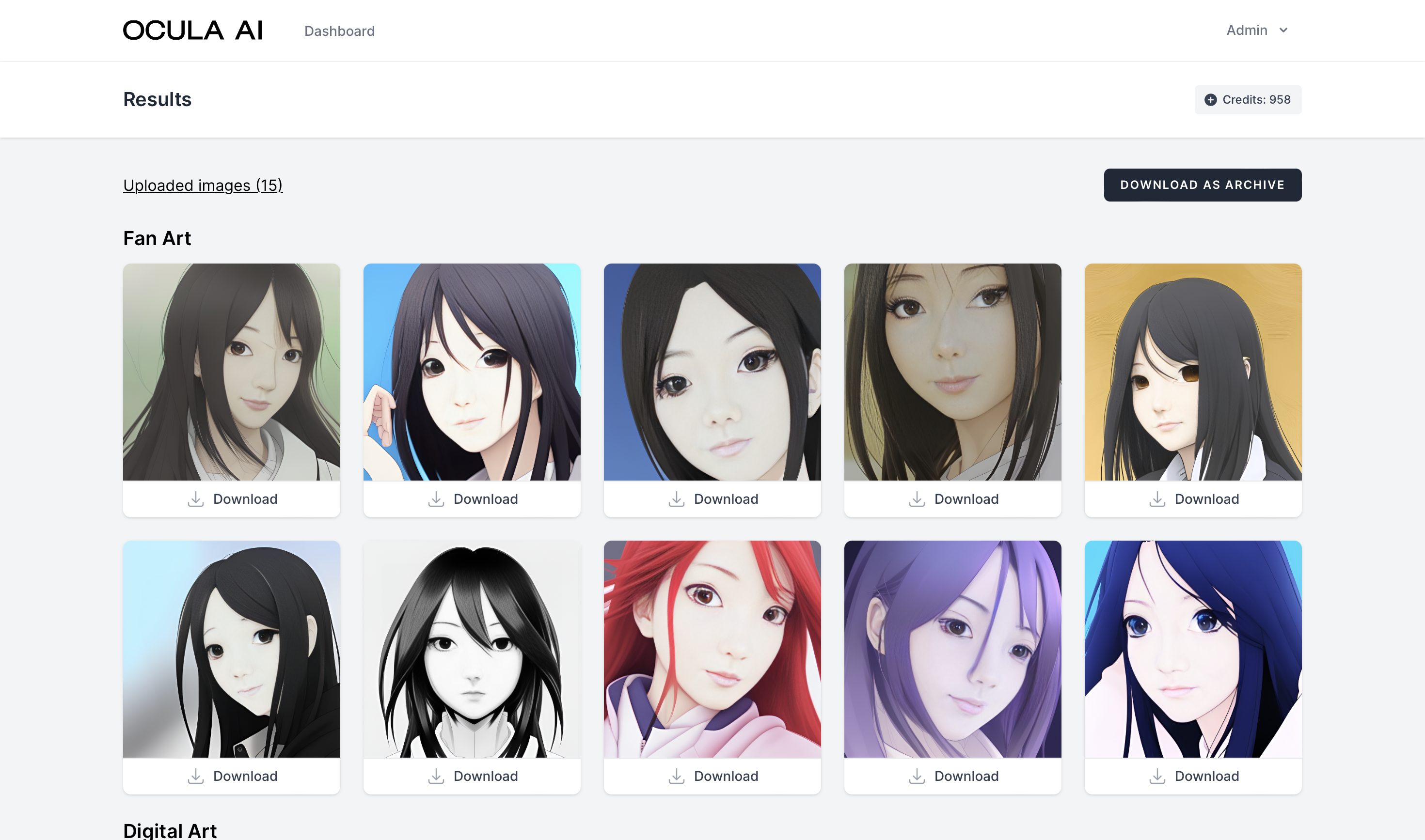
- Download generated portraits
- See and download uploaded images