Appearance
Admin panel
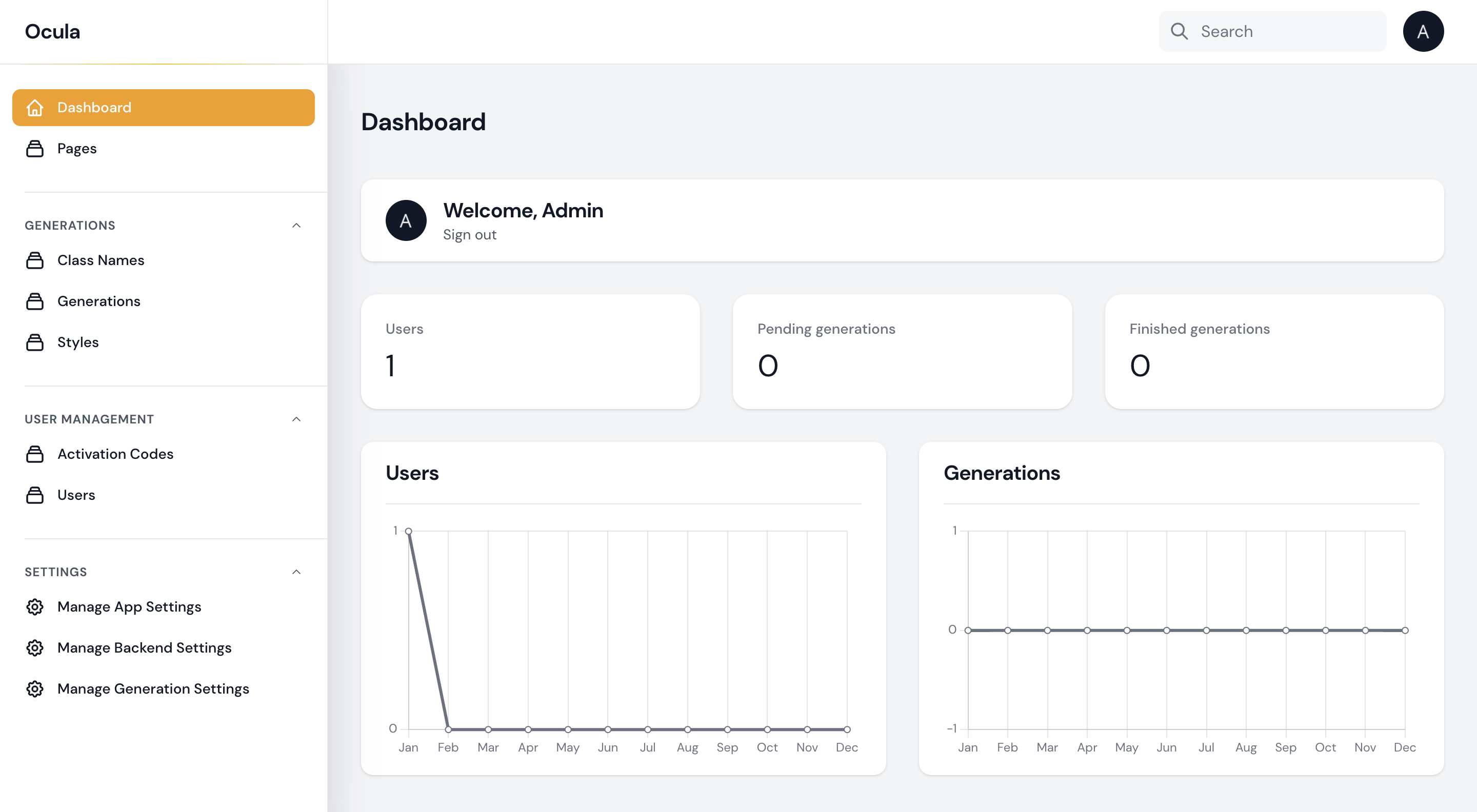
The admin panel is a web interface that enables you to configure your application. It can be accessed at http://<your-app-url>/admin/.
- Dashboard - Panel with information about user count, pending and completed generations.
- Pages - Edit or add new website pages.
Generations
- Class Names - Add or edit generation classes for images.
- Generations - Monitor or view details of pending or completed image generations.
- Styles - Configure, add or edit image styles.
User Management
- Activation Codes - List of activation codes.
- Users - User management page.
Settings
- Manage App Settings - Set up initial credits assigned to new users.
- Manage Backend Settings - Set up Model ID.
- Manage Generation Settings - Configure validation of the generation process.