Appearance
Settings
App Settings
- Initial Credits - The initial credits assigned to a new user after registration. You can turn it on or off in the settings.
- Auto Activate Users After Registration - If enabled, users will be automatically activated after registration. If not, you can activate users in the
Userssection of the admin panel.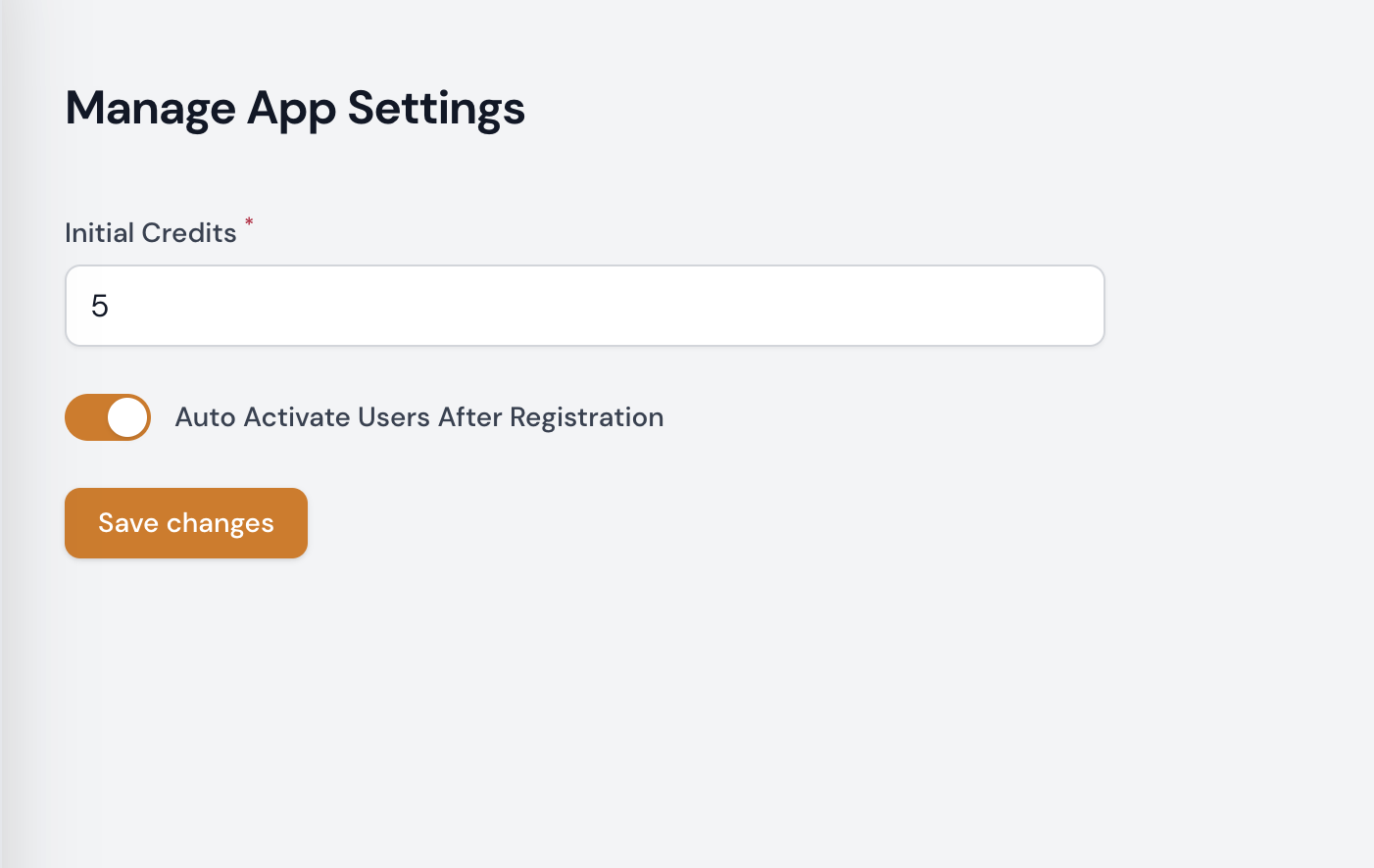
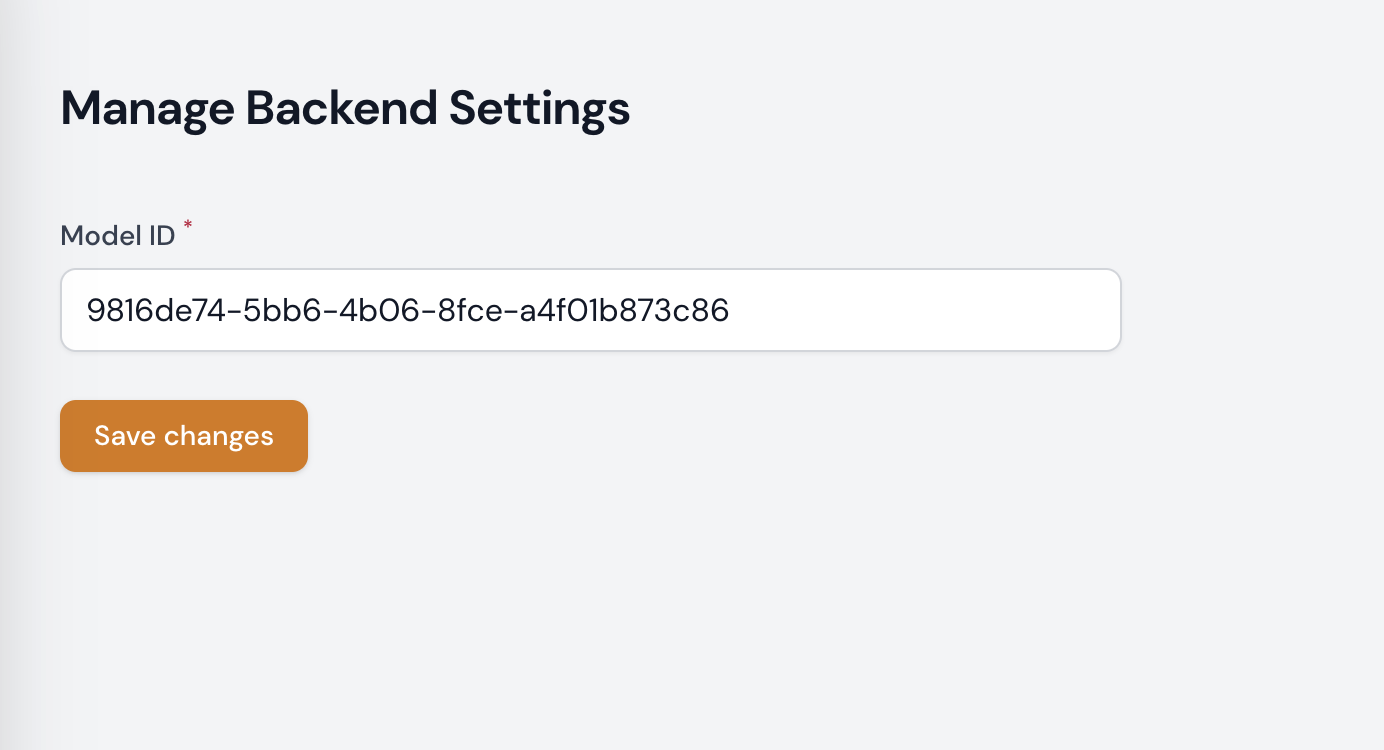
Backend Settings
- Model ID - The ID of the model used to generate images. A list of available models can be found here.
Generation Settings
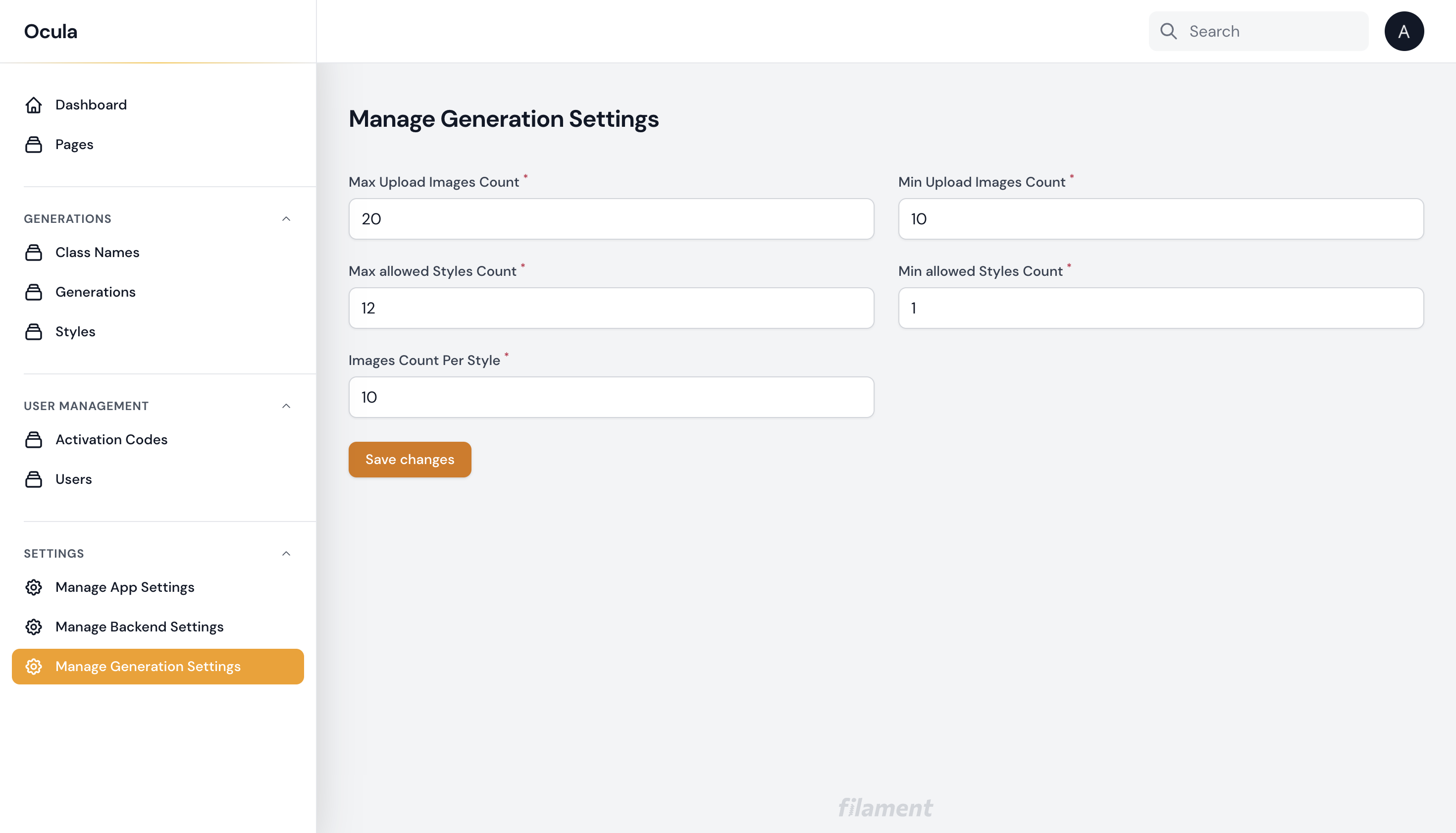
Configure the following generation settings:
- Maximum number of upload images - Number of images a user can upload for processing
- Minimum number of upload images - Minimum number of images that should be uploaded
- Maximum number of allowed styles - Number of styles a user can choose
- Minimum number of allowed styles - Minimum number of styles that should be chosen
- Number of images per style - Number of images generated for each style