Appearance
Image Optimization
Image optimization enables lazy loading of images on the interface, allowing users to see images loading smoothly even with a poor network connection.
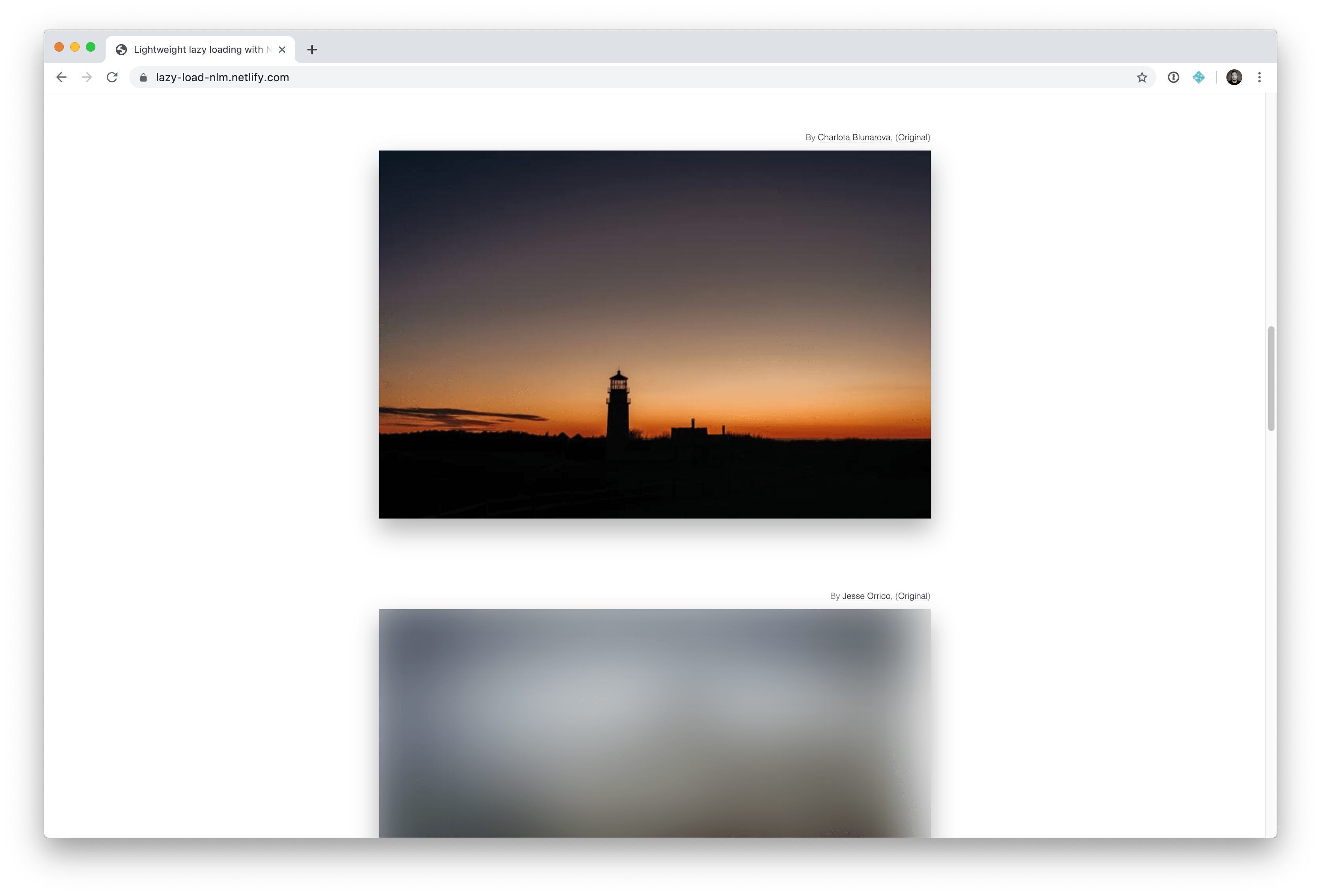
To enable image optimization, update the following to the .env file:
bash
IMAGE_OPTIMIZATION_ENABLED=true
Supervisor configuration
Do not forget to enable supervisor workers for image processing. See Supervisor configuration for more information.
Then, run the following command:
bash
php artisan optimize